🎮 Game Controls & Keyboard Guide
Tower of Fall: The Ultimate Casual Challenge
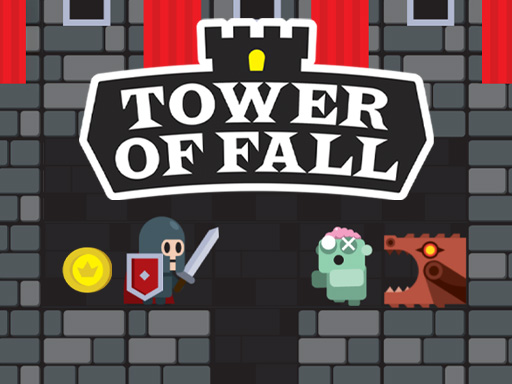
In the game "Tower Fall," you must navigate a complex tower, collecting coins to purchase various outfits and weapon upgrades, while battling enemy mobs to reach the final level.
Looking for non-stop entertainment? **Tower of Fall** delivers high-stakes **Arcade** gameplay engineered for smooth performance on any modern device.
⭐ Pro Tips & Strategy
Maintain a steady rhythm and avoid rushing when navigating through narrow obstacle gaps. Learn the attack and movement patterns of recurring obstacles to predict safe intervals.
⚡ Key Features
🎮 Responsive Controls
Optimized for smooth keyboard, mouse, and touchscreen input across all devices.
🌟 High-Def Visuals
Crisp graphics with 60 FPS smooth rendering for an immersive visual experience.



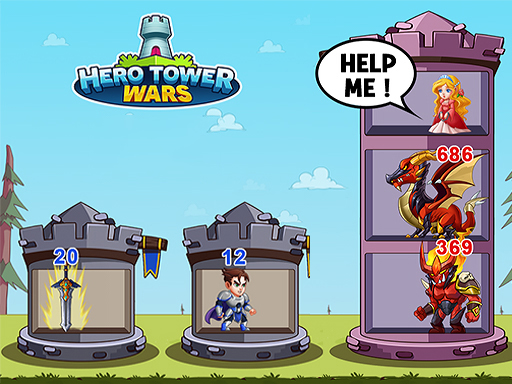


Complete Guide & Gameplay for Tower of Fall
The core gameplay of **Tower of Fall** focuses on precise timing and quick decision-making. Navigate through dynamically generated obstacles and unlock new achievements as you master each stage.
This classic **Casual** browser title is fully optimized for HTML5 browsers, delivering responsive physics and immersive action on desktop, mobile, and tablet platforms without downloads.
